SIM-Swap & KYC Fraud in India: 7 Moves That Save You
SIM-Swap & KYC Fraud: 7 Moves That Save You
Your mobile number is the key to OTPs, UPI, banking, and social logins. Criminals know this. They’ll try to (a) swap your SIM so your number moves to their SIM, or (b) trick you with “KYC update” messages to steal OTPs and remote-control your phone. This playbook shows the red flags, first-hour actions, and long-term locks—all India-specific.
🧭 Summary
-
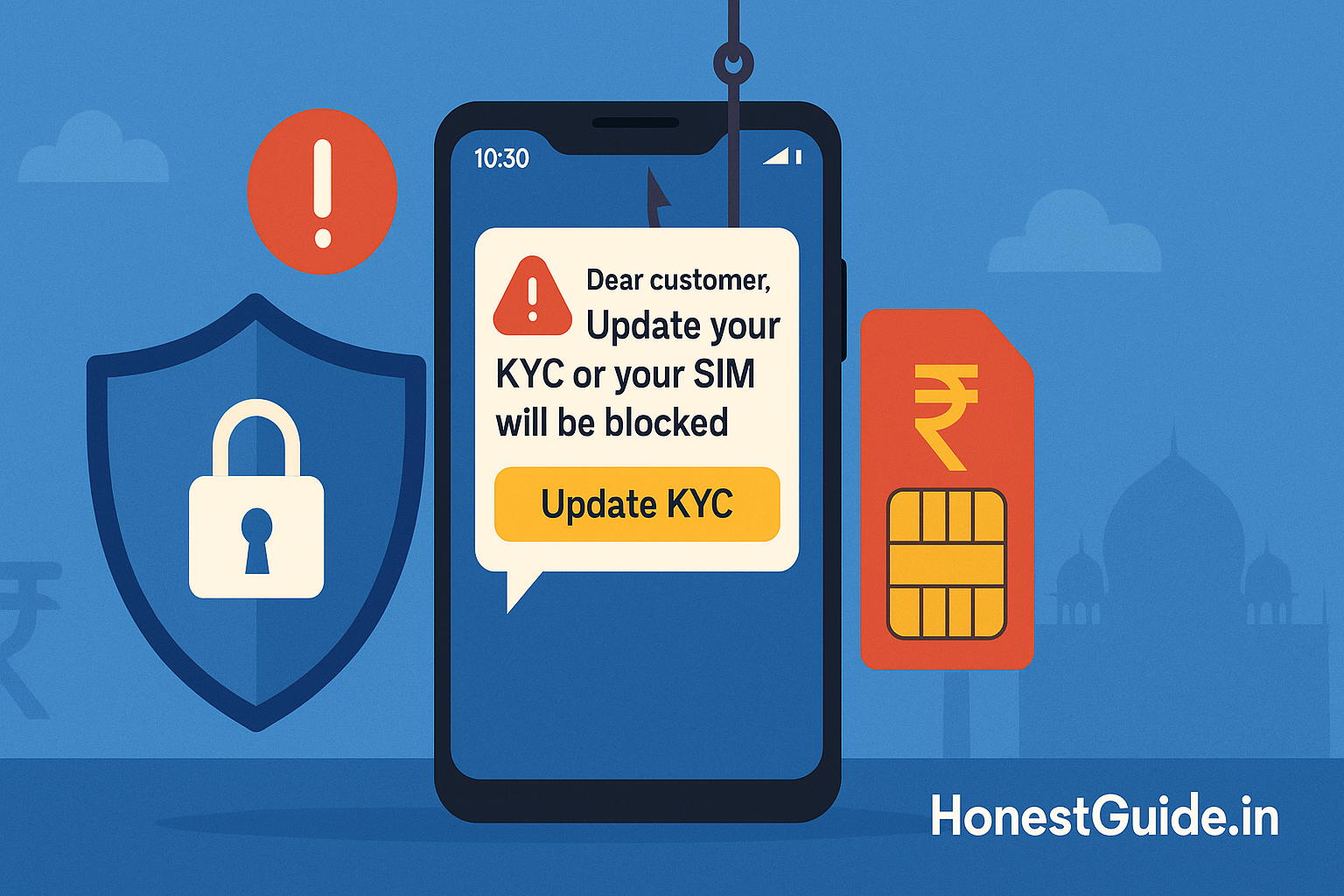
Hear this, stop: “Update KYC now or SIM/bank will be blocked.” Don’t click links; don’t share OTPs; don’t install remote-access apps.
-
Golden hour (first 60 mins): If money moves or your phone loses network suddenly, call 1930 (cyber financial fraud helpline) and your bank. Ask telecom support to block/reverse unauthorised SIM replacement.
-
Verify safely: Check active mobile connections in your name on Sanchar Saathi (TAFCOP); report suspicious calls/SMS via Chakshu module.
-
Lock it down: Use app-based 2FA (not SMS) for email/banking; set account recovery to alternate email; keep UPI & netbanking login PINs separate.
-
Where to report: 1930 and National Cybercrime Reporting Portal for fraud; Sanchar Saathi for suspicious telecom communications; your operator app/chat for SIM replacement disputes.
🧰 Before you start
Who this is for: Anyone receiving “KYC update,” “SIM block,” “bank verification,” “e-challan” or similar messages; anyone who suddenly lost mobile network; anyone seeing unauthorised transactions.
What you’ll need handy (if hit):
-
Bank details (customer ID, last 4 digits, registered mobile/email).
-
Evidence: screenshots of SMS/WhatsApp, phone numbers/handles, timestamps, transaction IDs, call recordings (if any).
-
Operator account/app login and a valid ID if you need to visit a store.
Costs & timelines: Calls to helplines are free. Bank blocks are immediate; refunds depend on investigation. Reporting takes ~10–20 minutes; act within the first hour to maximise recovery chances.
Where things happen:
-
Report fraud & freeze funds: 1930 (phone) and National Cybercrime Reporting Portal (online).
-
Check numbers/flag telecom fraud: Sanchar Saathi (TAFCOP & Chakshu).
-
Operator actions: Your carrier’s app/chat/store (block SIM, reverse wrong SIM swap).
🔟 Steps (do this now)
-
Stop engaging; do not click or install
-
Hang up. Don’t click short links. Don’t install “support” apps (remote access).
-
Note the caller ID, message, time.
-
-
Check your phone’s signal & recent SMS
-
No network suddenly? Could be a SIM swap.
-
Look for “SIM replacement/activation” SMS, or missed OTPs you didn’t request.
-
-
Call your operator from another phone
-
Ask: “Has any SIM replacement/eSIM activation/port-out been initiated?”
-
If yes or unsure, tell them: “Block any pending SIM change and lock my account; mark suspected fraud.”
-
Request a service ticket number.
-
-
Freeze the money trail
-
If any transaction occurred, call 1930 immediately; provide bank, amount, time, transaction ID.
-
Call your bank’s emergency line (from the card/app). Ask to block UPI, netbanking, and cards temporarily.
-
Change your UPI PIN and netbanking password once safe.
-
-
Secure your identity accounts
-
Email first (Gmail/Outlook): change password, enable app-based 2FA (Authenticator), update recovery email/phone.
-
Then banking/UPI/wallets/brokerage: new strong passwords; turn off SMS-only 2FA where app-based is available.
-
-
Run official checks
-
On Sanchar Saathi (TAFCOP): see active mobile connections mapped to your ID; flag any unknown numbers.
-
Use Chakshu (within Sanchar Saathi) to report suspicious calls/SMS/WhatsApp with screenshots.
-
-
File your cyber report
-
If money is at risk or moved, log it on the National Cybercrime Reporting Portal (choose “Financial Fraud”).
-
Upload evidence (screenshots, numbers, timestamps, bank ticket, operator ticket).
-
-
Re-verify with your operator (store visit if needed)
-
Carry original ID. Get a fresh SIM if yours is compromised.
-
Ask for a note on record: “Customer was target of suspected SIM-swap fraud; lock re-issuance without in-person KYC.”
-
-
Harden everything
-
Remove phone number as sole recovery; add alternate email.
-
Turn on login alerts. Review connected devices/sessions, revoke unknown ones.
-
Uninstall unused fintech/loan apps; audit app permissions.
-
-
Keep a watch for 30 days
-
Daily glance at SMS/email alerts and bank statements.
-
If you get new “KYC/e-challan/parcel” messages, keep reporting via Chakshu and to your operator.
📋 Checklist (copy-paste)
-
Do not click links / share OTP / install “support” apps
-
Call operator → Block SIM change / get ticket
-
Call 1930 if any financial loss / risk
-
Call bank → Block UPI/netbanking/cards; change UPI PIN & passwords
-
Enable app-based 2FA on email & banking
-
Sanchar Saathi (TAFCOP): check & flag unknown mobile connections
-
Chakshu: report the fraud call/SMS/WhatsApp
-
File case on National Cybercrime Reporting Portal; upload evidence
-
Re-issue SIM with in-person KYC if compromised
-
Monitor statements & login alerts for 30 days
⚠️ Red flags & common mistakes
| Mistake / Red Flag | What it really is | Consequence | Fix (now) |
|---|---|---|---|
| “Update bank/KYC now or account will be blocked.” | Social engineering via SMS/WhatsApp/call | You share OTP / install remote app | Hang up. Report on Chakshu, call bank from official number, log 1930 if any loss. |
| Sudden no network while others have signal | Possible SIM swap / eSIM activation | Criminal receives your OTPs | Call operator from another phone; block SIM change immediately. |
| Clicking short URLs from “bank/DoT/TRAI/police” | Phishing page to harvest credentials/UPI PIN | Account takeover | Don’t click. Open official apps/sites independently. |
| Keeping SMS-based 2FA only | SMS can be hijacked via SIM swap | Accounts can be reset | Use Authenticator app; update recovery email. |
| Using same PIN/password everywhere | Single point of failure | Full account compromise | Unique passwords; password manager; separate UPI PIN. |
| Not reporting quickly | Banks can’t place “hold” early | Low recovery odds | Call 1930 within the golden hour; file on portal. |
🗣️ Templates & scripts
Phone script (operator):
“Hello. I suspect a fraudulent SIM replacement/eSIM activation on my number [XXXXXXXXXX]. Please block any pending SIM change, lock re-issuance without my in-person KYC, and raise a fraud ticket. Share the ticket number by SMS/email. I will also report this on the cybercrime portal.”
Phone script (bank):
“Hello. I’m reporting suspected cyber fraud on my account [last 4 digits / customer ID] linked to mobile [XXXXXXXXXX]. Please block UPI, netbanking, and cards temporarily, and place a watch/hold on suspicious transfers. I’m calling 1930 and filing a complaint on the portal. Share my case reference.”
Email to bank/telecom (follow-up):
Subject: Request to secure account after suspected SIM-swap/KYC fraud – [Your Name], [Mobile Number]
Body:
-
Date/time of incident: [DD-MM-YYYY, HH:MM]
-
What happened: [short description]
-
Actions taken: called 1930, filed portal complaint [ack no.], operator ticket [no.], bank ticket [no.]
-
Request: confirm blocks placed, share investigation timelines, and provide written confirmation.
-
Attachments: screenshots of SMS/WhatsApp, call logs, bank SMS, portal acknowledgement.
🧗 Escalation path (with links)
-
Telecom provider → In-app/chat/store; ask to block/rollback SIM swap and mark account.
-
Bank / payment app → Emergency numbers in official app; ask for transaction hold and channel blocks (UPI/netbanking/cards).
-
Cybercrime (financial fraud) → Call 1930 (golden hour) → file on National Cybercrime Reporting Portal (attach evidence). Cyber Crime Portal+1
-
Telecom fraud reporting → Sanchar Saathi:
-
TAFCOP to view/flag unknown mobile connections.
-
Chakshu to report suspected fraud calls/SMS/WhatsApp. Sanchar Saathi+2Sanchar Saathi+2
-
-
Unsolicited commercial communication (spam) → Your operator / TRAI UCC complaint page (helps action against spam senders). Telecom Regulatory Authority of India
🧪 Verification steps (don’t skip)
-
Check all connections in your name: TAFCOP on Sanchar Saathi; flag anything unknown. Vikaspedia E-Governance
-
Report suspicious communications: Use Chakshu (Sanchar Saathi) for calls/SMS/WhatsApp—attach screenshots. Sanchar Saathi
-
Confirm with your operator: Ask for the exact timestamp and store ID (if any) of any SIM change; request written confirmation that it’s blocked/reversed.
-
Update WhatsApp/app versions: CERT-In flagged recent vulnerabilities; keep apps updated from official stores only. CERT-IN+2Storyboard18+2
🧾 Evidence to save
-
Fraud SMS/WhatsApp screenshots (showing numbers, timestamps, links).
-
Call logs of the scam call.
-
Bank SMS/statements and app notifications.
-
Operator ticket and bank ticket numbers.
-
1930 call reference and Cybercrime Portal acknowledgement.
🧩 The 7 moves that save you (keep this handy)
-
Don’t click or install; never share OTP.
-
Call 1930 if money moved or might move. Cyber Crime Portal
-
Block SIM changes with your operator; demand a fraud ticket.
-
Switch to app-based 2FA; rotate passwords; update recovery email.
-
Sanchar Saathi (TAFCOP): check & flag unknown numbers. Vikaspedia E-Governance
-
Chakshu: report every fraud call/SMS/WhatsApp. Sanchar Saathi
-
File on National Cybercrime Reporting Portal and monitor for 30 days. I4C
❓FAQs
1) Is 1930 really effective?
Yes. It routes your case into a banking network to attempt transaction hold/trace. Reporting in the first hour gives the best chance of recovery. Still file on the portal for a formal record. I4C
2) Do “KYC update” links from WhatsApp/SMS ever legit?
Banks and telecoms don’t ask you to update KYC via random links or third-party apps. Always use the official app or website you type yourself. Report such messages on Chakshu. Sanchar Saathi
3) I suddenly lost network—could it be a tower issue, not fraud?
Yes, but treat unexpected, prolonged “No Service” plus missing OTPs as a red flag. Call your operator from another phone and check for SIM replacement/eSIM activation/port-out requests. Ask them to block if any doubt.
4) Will enabling DND stop fraud calls?
DND reduces marketing spam, not necessarily fraud. Still useful. File UCC complaints with your operator / TRAI UCC page for spam; use Chakshu to report fraud communications. Telecom Regulatory Authority of India+1
5) Should I use SMS-based OTP or app-based 2FA?
Prefer app-based 2FA (Authenticator). SMS can be intercepted if your number is hijacked.
6) Can I see how many numbers are issued on my ID?
Yes—use TAFCOP on Sanchar Saathi to view and flag unknown connections. Vikaspedia E-Governance
7) My WhatsApp shows a security alert after an update—worry?
Keep it updated. CERT-In recently flagged high-severity issues; updates fix them. Only install from official stores. CERT-IN+1
8) A message says “SIM will be blocked by DoT/TRAI unless I pay a fee.”
Fraud. DoT/TRAI don’t demand payments via SMS/WhatsApp. Report via Chakshu and ignore. Sanchar Saathi
📚 Sources
-
Sanchar Saathi (DoT) — TAFCOP (check active mobile connections) and Chakshu (report suspected fraud calls/SMS/WhatsApp). Vikaspedia E-Governance+2Sanchar Saathi+2
-
National Cybercrime Reporting Portal & Helpline 1930 — Indian Cybercrime Coordination Centre (I4C), MHA. Cyber Crime Portal+1
-
TRAI — UCC Complaints — Guidance to complain or report unsolicited commercial communications to your TSP. Telecom Regulatory Authority of India
-
CERT-In Advisories — Recent alerts on app vulnerabilities and phishing patterns; keep devices/apps updated. CERT-IN+1
-
Government updates on telecom fraud crackdowns — Context on SIM deactivations and KYC tightening. Business Standard
Disclaimer: This guide offers general safety steps. It is not legal or financial advice. For case-specific directions, follow your bank/operator instructions and official government portals.